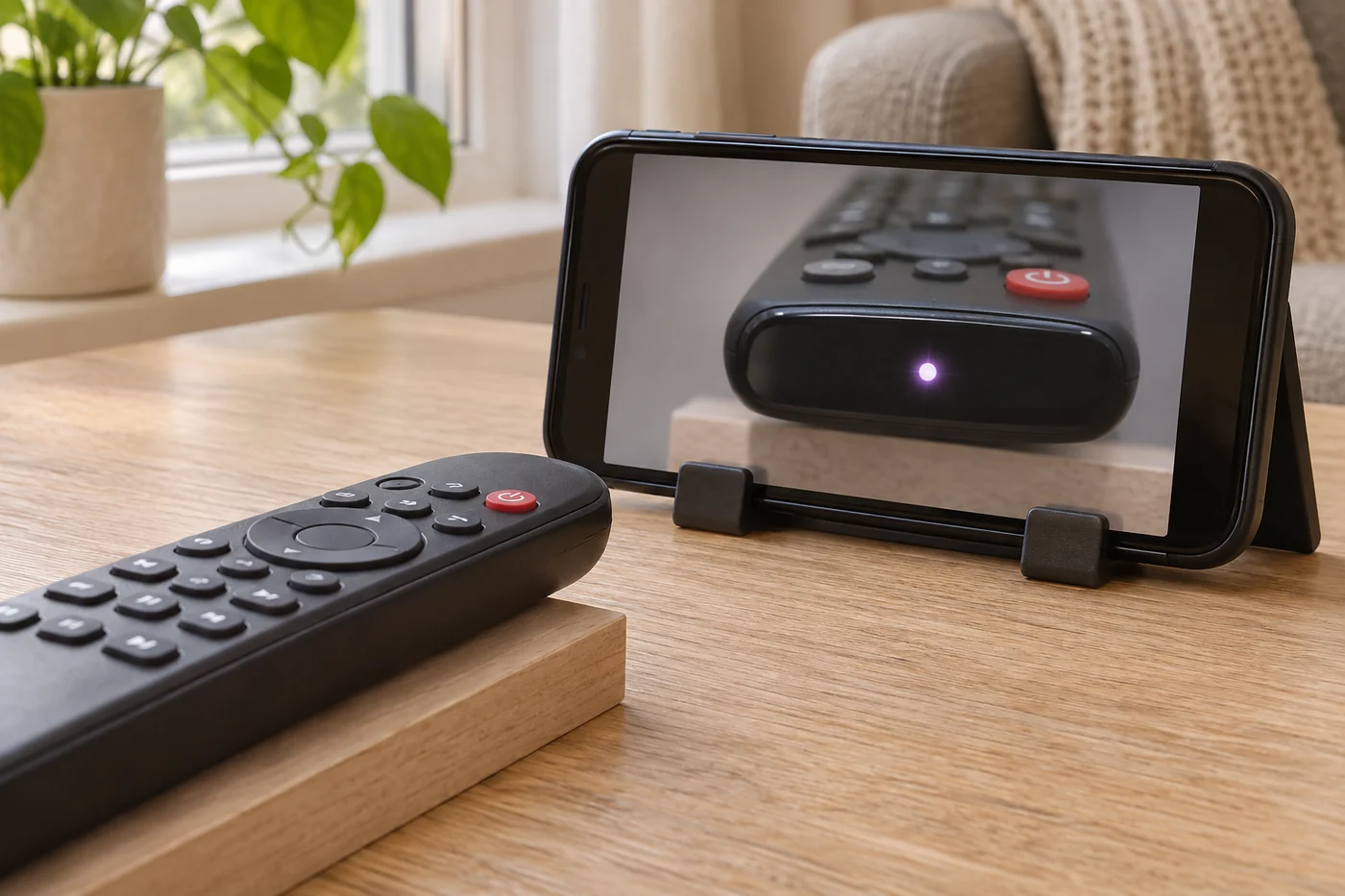
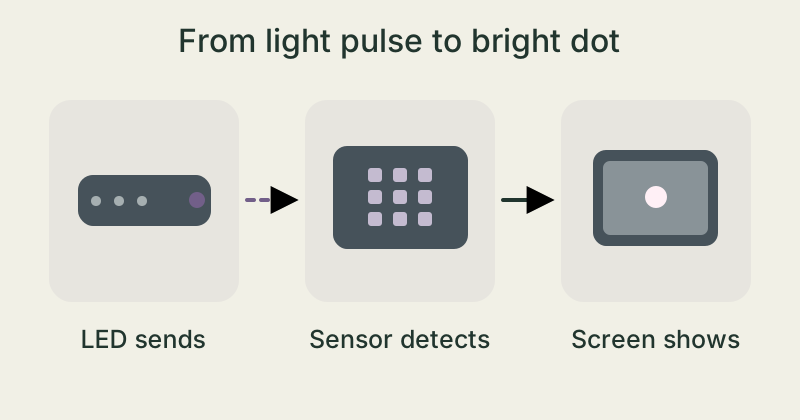
Many remotes have a small light-emitting diode, or LED, at the front. It sends out infrared light. Your eyes normally can’t see this light, but the sensor in some phone cameras can pick up part of it. A bright dot may appear on the display.
Point a TV remote at a phone camera and press a button. You might see a bright dot blink on the screen. Look straight at the remote and the dot disappears from view. What is the camera picking up?
Light beyond visible red
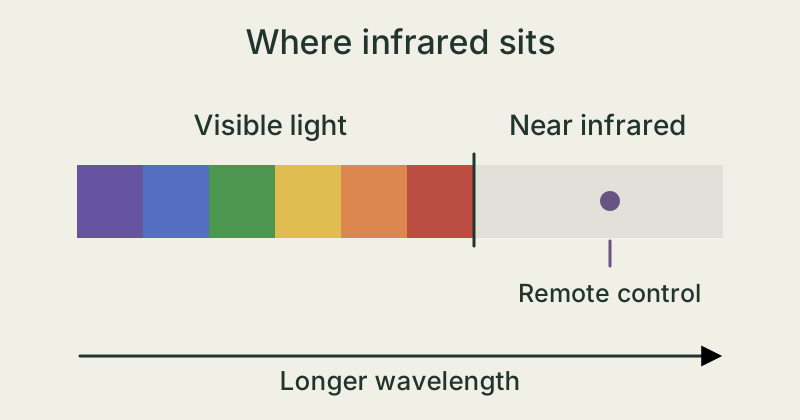
Light travels in waves. The distance from one wave crest to the next is called the wavelength. Red light has a longer wavelength than blue light. Near-infrared light has longer wavelengths still.
A typical infrared remote sends light at a wavelength of about 940 nanometres. A nanometre is one billionth of a metre. This light is outside the range our eyes can see in everyday life.
Short pulses tell the TV what to do
When you press a button, the LED at the front sends groups of short light pulses. The receiver on the TV reads the pattern. Different patterns tell it to do different things, like turn up the sound or change the channel.
That’s how infrared commands work. Some remotes send some or all of their commands using radio waves, for example through Bluetooth.
The phone sensor can pick up infrared
An image sensor turns incoming light into electrical signals. Many sensors also respond to near-infrared light. A camera often has a filter that keeps much of it from reaching the sensor. How much gets through depends on the camera.
If enough infrared gets through, the app may show a bright dot. It might look whitish or purple. Those colours are produced in the camera image. The screen uses visible light to show them.
Compare what you see with the camera view
- Get a working infrared remote. Open the camera app and point the camera at the front of the remote from a few centimetres away.
- Watch the screen. Press and release the power button. Compare the dot in the camera view with what you see when you look directly at the remote.
- If you see no dot, try the phone’s other camera or a different phone. The filters can vary. A missing dot alone doesn’t tell you whether the remote works.
Use an ordinary remote control and keep its case closed.
The takeaway
An infrared remote sends pulses of light. If a camera picks up enough of that light, it can show it as a visible dot on the screen.
Why can a dot appear in the phone’s camera view?
Sources & further reading
NASA Science · Infrared Waves ↗Montana State University · The physics of near-infrared photography ↗Sony Support · Test if your remote control sends an infrared signal ↗Our stories explain the main idea in our own words. Pictures and models simplify reality and are not drawn to scale.